How to Create a Logo for My Own Community Service Day Event
Creating a logo for your Community Service Day event is more than just designing a pretty image. It’s about encapsulating the spirit, mission, and values of the event into a visual representation that resonates with your audience. A well-crafted logo can become a rallying point for volunteers and sponsors alike, symbolizing unity and purpose.
Understanding Your Community Service Brand
Identifying Your Target Audience
When it comes to crafting a logo, knowing who you’re communicating with is vital. Your logo should appeal to potential volunteers, sponsors, and community members who will participate in your event. Reflect on the demographics of these audiences—what are their interests, age groups, and values? Understanding these factors can shape how you design your logo. For example, a more youthful audience may appreciate a vibrant and modern design, while a traditional audience might prefer something classic.
Establishing Core Values
What values does your Community Service Day stand for? It could be compassion, teamwork, and sustainability, among others. Integrating these core values into your logo will ensure that it communicates the essence of your event. For instance, using green tones could signify a dedication to environmental care, while images of hands could symbolize community unity.
Gathering Inspiration for Your Logo
Researching Competitors
Check out logos from similar community service events. What do you like or dislike about their designs? This research can offer invaluable insights into trends and help differentiate your logo from others. Take notes on colors, fonts, and imagery that catch your eye.
Creating a Mood Board
A mood board acts as a visual guide for your logo design. Gather images, colors, and fonts that resonate with your event's theme and values. This collection will serve as a reference throughout the design process, ensuring you stay aligned with your vision. Websites like Pinterest can help fuel your creativity and showcase various design styles.
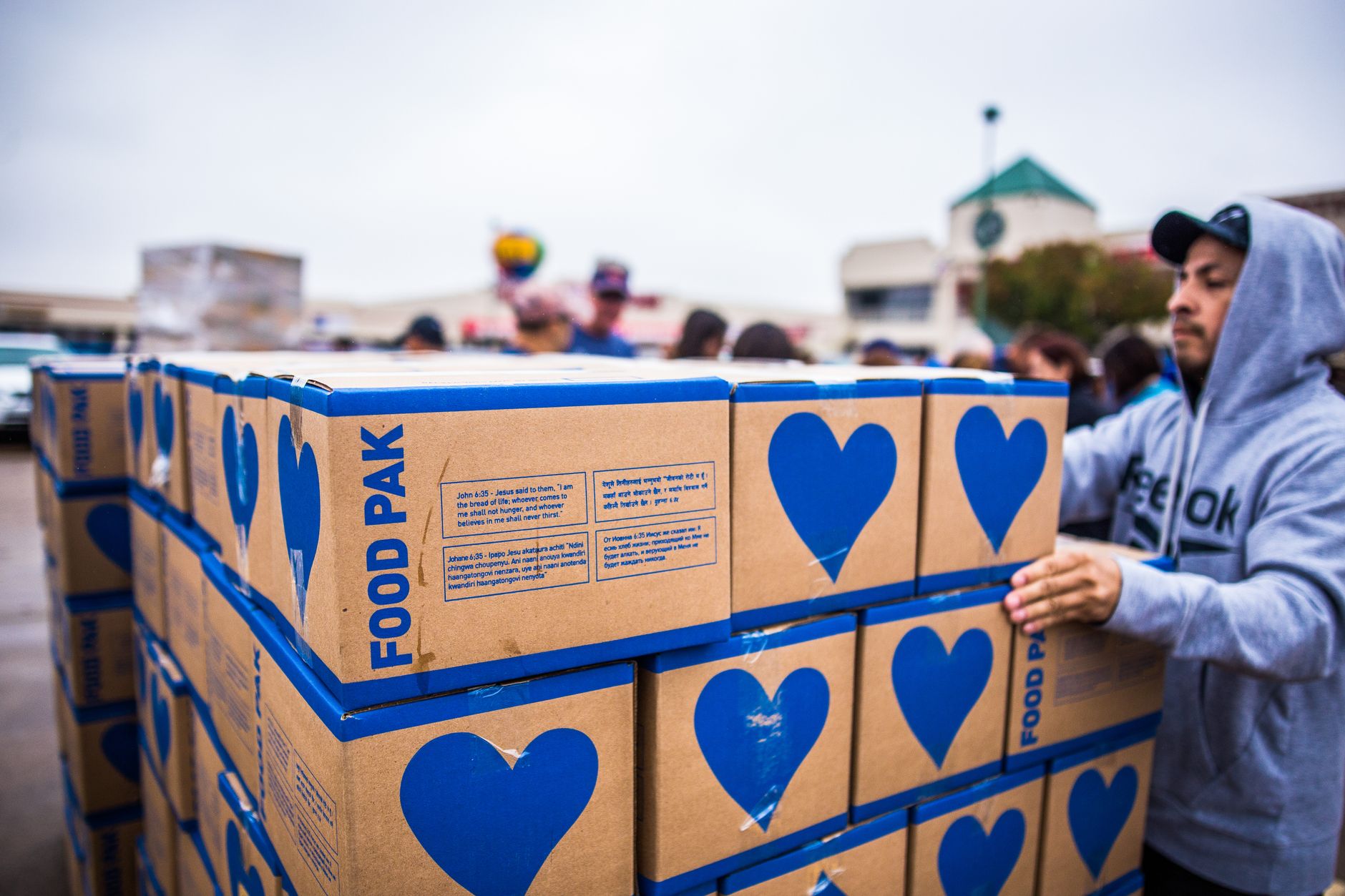 Photo by Caleb Oquendo
Choosing the Right Design Elements
Selecting a Color Scheme
Colors play a crucial role in logo design because they evoke emotions and represent your community's values. For instance:
- Blue reflects trust and dependability.
- Green embodies nature and sustainability.
- Orange conveys enthusiasm and creativity.
Carefully choose a color palette that aligns with your event’s spirit—your choices can communicate powerful messages.
Choosing Typography
The font you choose should resonate with your community’s vibe. A clean, modern font can convey professionalism, while a fun, informal font can capture a light-hearted atmosphere. The style of typography should also be legible to ensure that your logo is easily recognizable at a glance.
Imagery and Symbols
Common symbols in community service logos include hands, trees, and hearts, which often represent care and connectivity. Choosing imagery that reflects both your mission and resonates with your audience is essential. Ensure that the symbol works well when scaled down or up, as you might use it on everything from flyers to banners.
Using Logo Maker Shop for Your Design
Logo Maker Shop is a fantastic tool for bringing your vision to life. It provides an intuitive platform that simplifies the process of creating a unique logo for your event.
Step-by-Step Logo Creation Process
- Visit Logo Maker Shop and choose from a variety of templates that resonate with your community service event.
- Customize elements: Change colors, fonts, and symbols based on your mood board.
- Preview your design across different mockups to see how it looks in real-world applications.
Customizing Your Logo
Personalization is key. Adjust various elements like size, shape, and layout to create a logo that feels distinctly yours. The beauty of Logo Maker Shop is in its flexibility, allowing you to tweak details until they reflect your community’s identity perfectly.
Finalizing Your Logo Design
Soliciting Feedback
Once you have a draft of your logo, it’s time to gather input. Share your design with friends, family, or colleagues who understand your vision. Constructive criticism can help you spot areas for improvement that you may have missed.
Making Final Adjustments
Take the feedback you receive and make any final tweaks. Maybe a color needs to be toned down, or the font needs a slight adjustment for readability. Finalizing your design is about making it the best representation of your event.
Implementing Your Logo
Using Your Logo in Marketing Materials
Once your logo is finalized, it's time to put it to work! Use it on flyers, social media posts, and any promotional materials for your Community Service Day event. This logo will be at the forefront of your recruitment for volunteers and partnerships.
Displaying the Logo at the Event
Showcase your logo during the event itself. Consider using banners, t-shirts, and nametags featuring your logo. This not only promotes brand consistency but also creates a sense of pride among participants who wear or display the logo.
Conclusion
Creating a logo for your Community Service Day event might seem daunting, but you’ve got all the tools to do it successfully! By understanding your audience, gathering inspiration, and utilizing design elements thoughtfully, you can craft a logo that resonates with your values and mission. Embrace this DIY approach; it’s a rewarding experience that connects you further to your event and community. So roll up your sleeves, and let your creativity lead the way!

Michael Harper is a Senior Content Strategist at MarketInsider.co, a premier source for insights on digital marketing and business trends. With over 15 years of expertise in content development and strategic communications, Michael is renowned for his ability to craft compelling narratives that resonate with diverse audiences. He holds a Bachelor’s degree in Journalism from New York University and a Master’s degree in Business Administration from Columbia Business School. Outside of work, Michael is passionate about historical literature and enjoys hiking the trails of the Pacific Northwest.